Turn Your PC Gamepad's Input Into Keyboard Or Mouse Input.
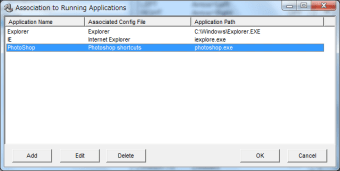
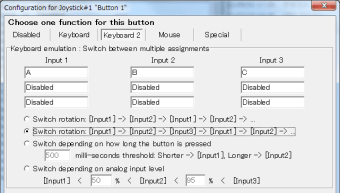
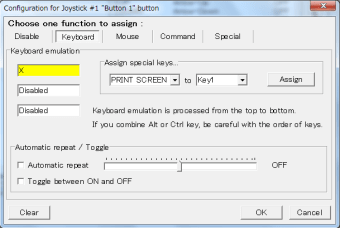
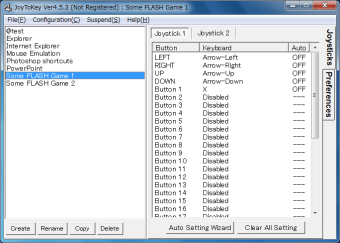
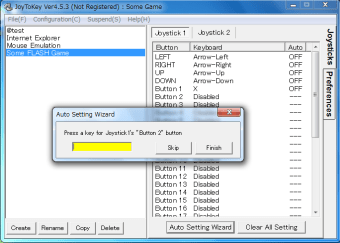
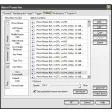
JoyToKey is a free gaming utility that allows the user to map gamepad or controller inputs (buttons, analog sticks...) to PC keyboard and mouse input (such as the WASD keys).
Top Recommended Alternative
Always custom, sometimes limited
JoyToKey provides a number of useful features: it supports the most common console controllers as well as generic gamepads, and can map input to most keyboard keys as well as to mouse movement. Some games, like World of Warcraft: Battle for Azeroth, offer JoyToKey compatibility specifically, making it a great way to play these titles. On the other hand, you might suffer extra milliseconds of input lag in some games, which can make playing fast-paced games like first-person shooters more frustrating, and others, like Team Fortress 2, specifically limit what JoyToKey can do for you.
A joy enough
Overall, JoyToKey is worth grabbing if you have something specific you very much want to do with your controller. It's especially good for games with normally fixed keys and buttons (i.e. no controls configuration menu), because JoyToKey bypasses such restrictions and lets you make your own choices.